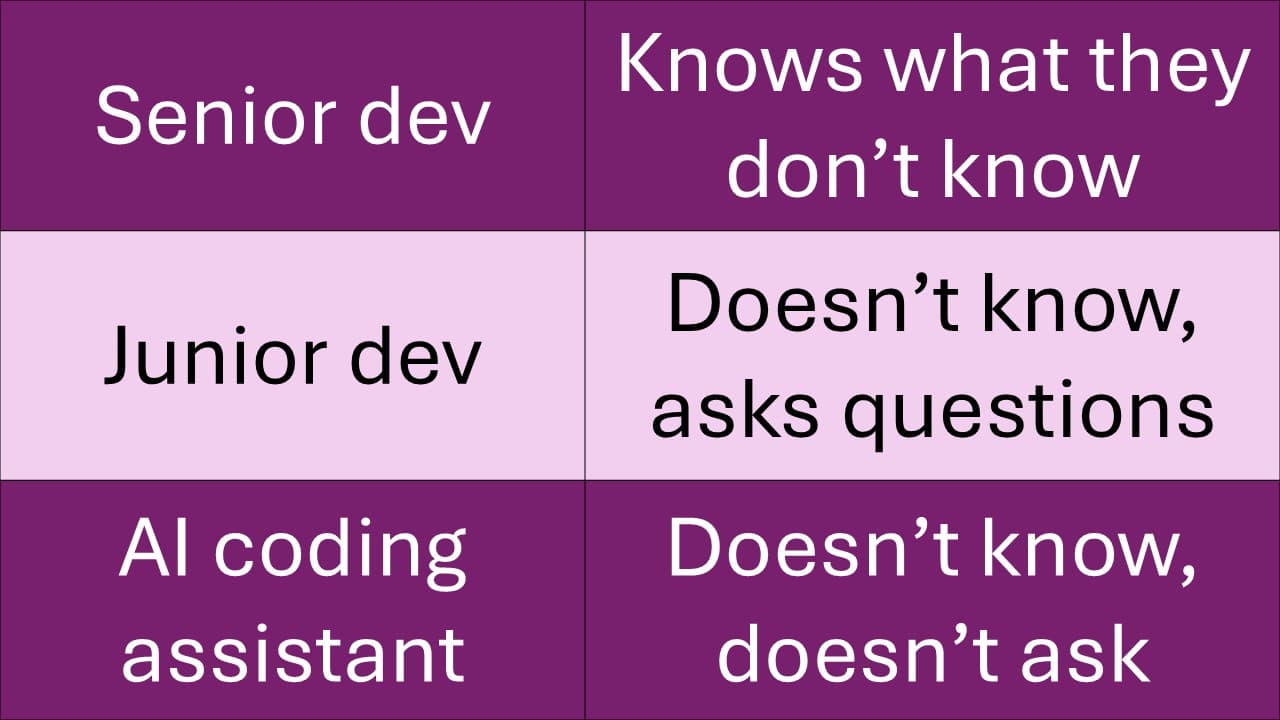
An AI coding assistant is a junior dev who thinks they're a senior dev. I learnt that the hard way.
The first few days of using happinews.blog with real news items, the app was misbehaving on images. It wouldn't show images from some sources, but would show from others. No errors anywhere. I had to manually download images from the source page, convert them and re-upload to the app. Three editions were released before I built the proper fix.
Claude code had written and run tests. As it happens, all the pages it tried (the first choices for news sites - bbc, nyt, etc.) all had the happy path only. All tests were green.
When things failed on prod, the exceptions hadn't been caught or logged. Image render failures were silently ignored. That's a dev trying hard to show they can ship.
--
One of my reasons for building happinews.blog using Claude Code was to understand how AI coding assistants can realistically be used in practice. I had heard (and used) the analogy of AI being a learning intern. While that may be true for the chat versions, the coding assistants are a little different. They are more like a junior developer who is convinced of being a senior developer and knows better than you.
Exception handling was in shambles across the app, silently absent in most places. I had to regularly log into my prod VM and see docker logs to find out what broke. And sometimes the logs would show up downstream from where things had broken. Documentation didn't exist till I forced it to be created, and it got outdated at the next commit. Senior devs know pushing commits to prod without documentation update is a recipe for disaster. Junior devs need that discipline forced.
I have never let engineers read prod env files. Claude Code still tries it, without even asking. Initially it did the same with git and docker actions as well. I had to put in explicit 'ask' or 'deny' rules.
Even with the documentation in place, it was bad at keeping track of impacts. A retry logic needed in 3 places was only done in 1, with silent failures at the others. Once I set up error alert emails, its first attempt was on how to suppress the alerts / errors, not diagnose the issues.
As the saying goes, don't attribute to malice that which can be explained by ignorance. It genuinely believed it was authorised and it knew best.
--
The AI coding assistant can certainly be fast, especially when the plan for the session is thoroughly investigated and approved. Senior devs, like experts, know what they don't know. Junior devs, like novices, don't know things and are uncertain, so they ask. AI coding assistants don't know what they don't know, but are too confident to ask questions unless forced.
So many people who use AI coding assistants for the first time say they're a great tool to get to 80% of the way but can take forever to complete the various edge cases and variants. I believe it stems from the assistants being convinced the goal was the 80%, unless there was a detailed spec defining the other 20%.
Junior devs have a rite of passage of breaking production the first time. But if you can't pinpoint what broke production, you have a different problem on hand. And your diagnosis tools (logs) are missing.
--
Every dev team is using AI coding assistants now. The consensus is moving towards engineers learning team management to orchestrate the assistant agents. Earlier, team leaders had junior devs to mentor. A personal touch was enough. Now teams need process checkpoints to catch what the agents are confident but wrong about.
What's your review process like?
#AI #AICodingAssistants #ClaudeCode #happinews